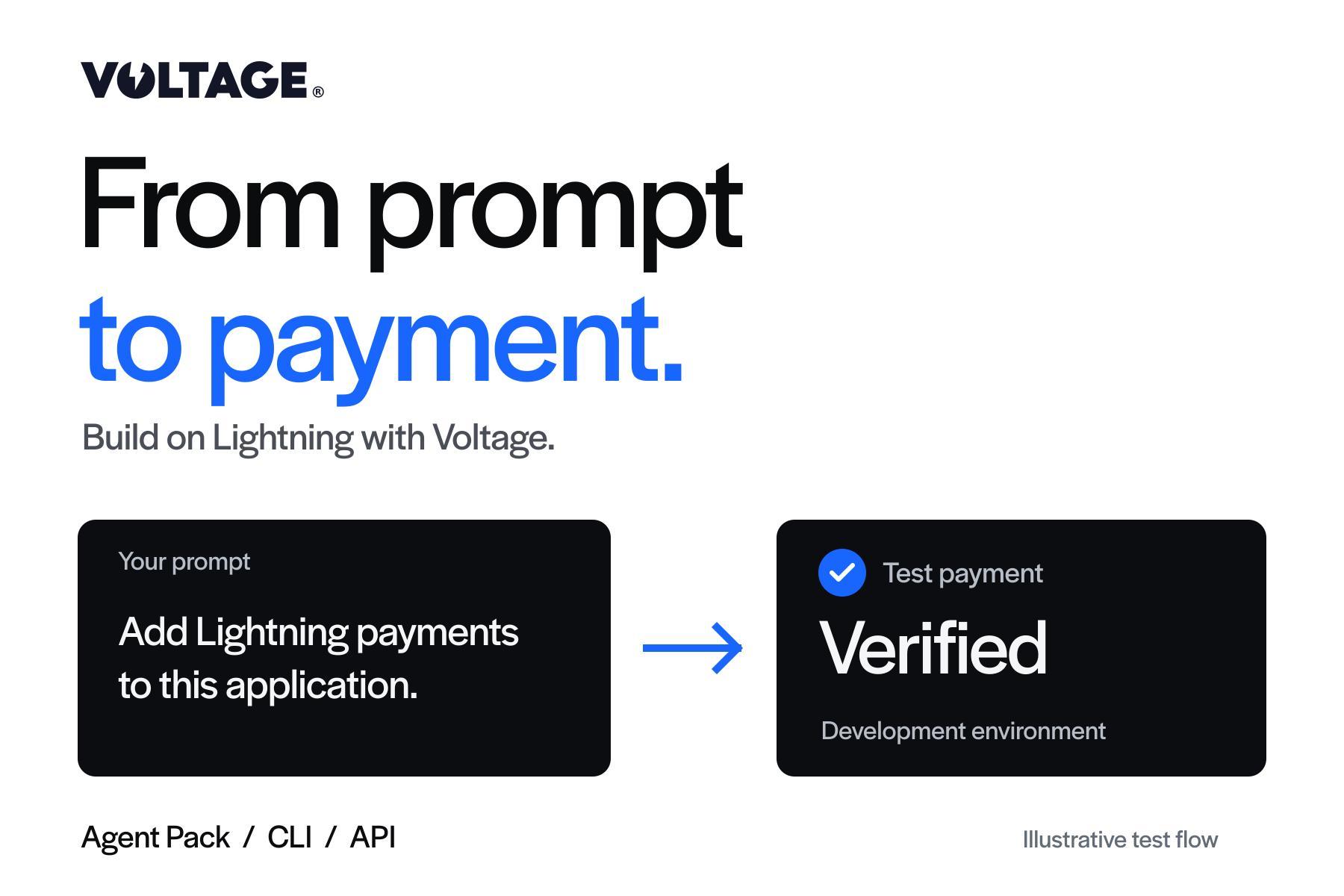
From Prompt to Payment: Building on Lightning with Voltage

Voltage brings payment infrastructure, a command-line client, and AI agent skills into one developer experience. Start with an idea, build a working Lightning payment flow, and test it with the tools you already use.
A payment feature should not begin with weeks of work just to find out whether it fits your product.
You have an app, a service, or a customer experience in mind. You want to accept a payment, fund an account, or send a payout. Before investing in the full integration, you want to see it work.
Too often, the first steps pull you away from that goal. You move between documentation and code, translate examples into your application, configure infrastructure, and figure out how to test the result. If you use an AI coding assistant, you also need to give it enough context to work with the payment system correctly.
We are building Voltage to shorten that distance.
Our API, managed Lightning infrastructure, CLI, and Agent Pack give developers and coding agents a connected path from an idea to a payment they can verify. The tools are available now. The direction is clear: building payments should fit the way modern software is built.
An AI-first experience for building payments
AI coding tools have changed how quickly a developer can turn an idea into working software. Payment integrations should benefit from that progress too.
A useful payment integration needs more than generated code. It needs an accurate API reference, clear payment states, a development environment, and a way to inspect the result. The agent needs to understand what the payment product does. The developer needs to know whether the implementation works.
That is what an AI-first developer experience means to us: make the platform understandable to both people and their tools, then give them a direct way to act on that understanding.
With Voltage, you can describe a payment flow to your coding assistant, use the API to build it into your application, and use the terminal to inspect what happened. These are complementary ways to work with the same payment platform.
The result is less repeated setup and more time spent on the experience you are trying to deliver.
The API connects payments to your product
The Voltage API is the foundation. It gives your application a developer interface for wallets, payments, and the events that connect payment activity to your own systems.
A checkout needs to know when an order has been paid. A deposit flow needs to associate a payment with the right account. A payout feature needs to track the outcome of a request. Those are the product behaviors your team should be building around.
Voltage also provides a managed path for using Lightning without operating the underlying node. Our implementation documentation explains the available models and who owns the infrastructure responsibilities in each.
The practical benefit is that your team can choose an implementation that fits its needs and focus its effort on the application.
Voltage CLI brings Lightning payments into the terminal
Developers already use the command line to inspect systems, test assumptions, and automate repeatable work. Payments belong in that workflow.
Voltage CLI gives you a direct interface to the Voltage API. You can inspect wallets, create a Lightning invoice, check payment status, and use structured results in scripts. That makes it useful for the first integration test and for understanding a payment after the feature is running.
Suppose you are adding deposits to an application. Before finishing the deposit screen, you can establish that an invoice can be created, paid, and identified as complete. Your UI can then build on behavior you have already tested.
Our Voltage CLI guide for Bitcoin and Lightning payments walks through that process. Use the official CLI repository for releases and documentation matching your installed version.
Voltage Agent Pack gives your AI assistant the context
A coding assistant works better when it has the right information about the system it is integrating.
Voltage Agent Pack supplies Voltage-specific API context and payment workflows inside supported tools such as Claude Code, Codex, Cursor, and Gemini CLI. You can ask the agent to help implement a deposit flow, add checkout, or build a webhook receiver using the platform's documented behavior.
Instead of repeatedly explaining how Voltage works, you can concentrate on what your application needs to do.
For example:
Use the voltage-api skill to help me add Lightning payments to this application. Inspect the existing code and propose a small integration we can test. Explain the required configuration, create the payment flow, and show how the application verifies that a payment completed. Start in a development environment with test funds.
That prompt gives the work a purpose and a clear first milestone. You review the implementation while the agent helps turn the plan into code.
Read Voltage Agent Pack: Build Lightning Payments with AI for the full introduction. The Agent Pack source and setup documentation provide the details for developers and agents that are ready to begin.
From a working session to a working payment
The important change is how quickly a team can get something real to evaluate.
As we describe in the Agent Pack article, our founder Graham Krizek has reported early customers completing AI-assisted integrations in under an hour. With the necessary account setup in place and a focused scope, prompt to payment in about an hour is an achievable outcome.
The first milestone can be simple: create an invoice, pay it with test funds, confirm completion, and connect that result to the application.
That gives a founder a way to test a product idea. It gives an enterprise engineering team a working flow to evaluate alongside its security, operations, and rollout requirements. A full production launch still follows the business's readiness and approval process.
We want the first useful result to arrive early enough that the team can spend its next working session improving the product.
Build for an open payment network
Lightning connects payment experiences across compatible wallets, exchanges, and applications. Integrating it can let your product send and receive payments with eligible services that already support the network.
That interoperability is part of the opportunity. Your application can participate in an existing payment ecosystem, using a shared protocol that other products understand.
Actual availability depends on the wallet or service, its supported features, and the user's location and eligibility. The useful promise is compatibility with supported Lightning payment flows, rather than a claim that every Bitcoin holder is immediately reachable.
For builders, this creates room for practical products: a service that accepts Lightning payments, an application with deposits and withdrawals, or a workflow that pays a recipient once an authorized task is complete.
Voltage's role is to make those payment capabilities easier to build, test, and operate.
Start building and testing with Voltage
You do not need to design the entire production integration before taking the first step.
- Create a free Voltage account and complete your application. Start at app.voltage.cloud. Follow the onboarding steps for your use case; account registration and production approval are separate milestones.
- Set up a development environment. Once your team has access, follow the Wallet Setup Guide. For a Bitcoin test flow, select a Mutinynet Bitcoin development wallet and confirm it is ready. Development funds have no real-world value.
- Choose how you want to work. Install Voltage CLI for terminal operations, or add the Agent Pack to your coding assistant. You can use both.
- Configure access and test one payment. Follow the Developer Guide for environment-scoped credentials. Keep secrets out of source control and agent conversations. Create a test invoice, pay it from a compatible test wallet, and verify completion.
- Build the application around that result. Connect the payment to an order, account, or service. Test the completion and failure paths before moving to production.
With Node.js/npm and a supported coding agent already installed, you can add the Agent Pack with:
npx skills add voltagecloud/agent-skills --global --yesOpen a new agent session and ask it to use voltage-api. Installing the pack supplies the skill files; account access and credentials are configured separately.
Developer experience is part of the payment product
We believe payment infrastructure should be judged partly by how easily someone can build something useful with it.
That means clear documentation, tools that work where developers work, and a short path to a result they can inspect. It also means giving coding agents an authoritative reference instead of making them guess how a payment system behaves.
The CLI and Agent Pack are another step in that direction for Voltage. They put more of the platform within reach of the people building applications and the agents helping them do it.
Start with one payment your product needs. Create a free Voltage account, complete your application, and use the development tools to get that first flow working.
Start building with Voltage
Create a free account, complete your application, and get started with development tools for Lightning payments.
Create a free account