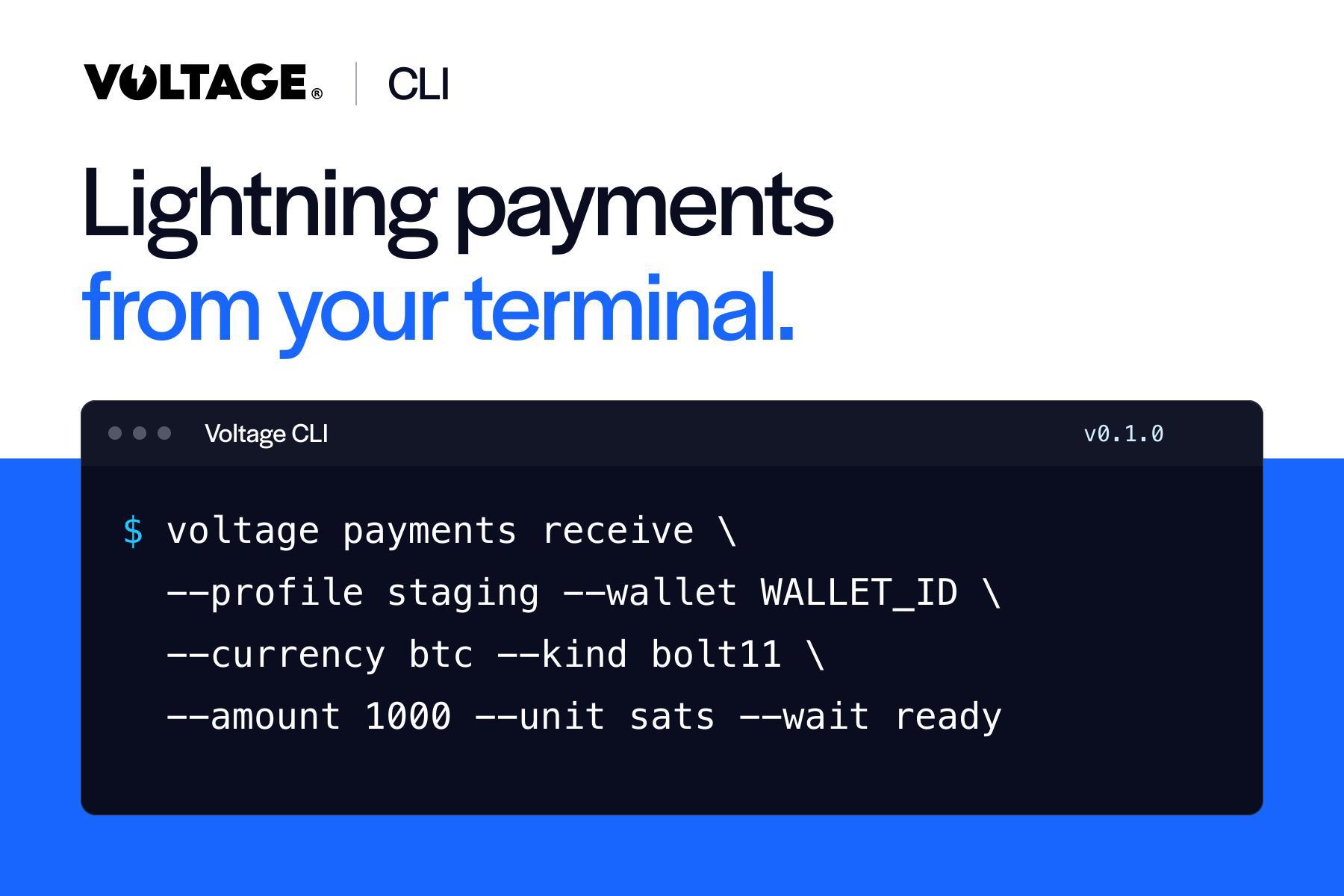
Voltage CLI: Lightning Payments from Your Terminal

Create invoices, inspect payments, and automate Lightning workflows from the command line. Voltage CLI brings payment operations into the tools your team already uses.
Your first Lightning payment should be a short path from an idea to a result you can inspect.
That is why we built Voltage CLI. It brings the Voltage API into your terminal, so you can create an invoice, check a wallet, inspect payment status, and turn a working flow into a repeatable script. You spend less time assembling requests and more time building the experience your customers need.
For developers looking for a Bitcoin payment CLI or a Lightning Network CLI, the practical benefit is straightforward: payment operations become part of the development workflow you already use.
What is Voltage CLI?
Voltage CLI is the open-source command-line client for the Voltage API. It supports wallets, payments, webhooks, checkout, and other API operations, with browser login for interactive use and environment API keys for automation. The official repository documents installation and the available commands.
The CLI connects to your Voltage account. Voltage provides the payment infrastructure behind those operations, including managed Lightning network operations. Your application can use Lightning without your team making node, channel, and liquidity management its own infrastructure project.
That division of work matters. A more convenient interface helps you build faster. Managed infrastructure also changes what your team has to maintain after launch.
Put a payment flow within reach
Consider a developer adding Lightning deposits to a wallet application. Before connecting the full user interface, they need to answer a few concrete questions: Can we create an invoice? Can another wallet pay it? Can our application determine that the payment completed?
With a command-line workflow, each question has a result the developer can inspect. There is less scaffolding between the integration idea and the first useful test.
The same approach helps a platform team investigate a payment after launch. A repeatable command is easier to incorporate into a runbook than an informal sequence of dashboard clicks. Structured output also makes the result usable by scripts and other tools.
Start with a development environment
This walkthrough targets Voltage CLI v0.1.0. Download the archive for your platform from the v0.1.0 release, follow the versioned installation instructions, and confirm your installed version with voltage --version. You will also need access to a Voltage organization, environment, and wallet.
Sign in and select your development environment:
voltage login
voltage organizations list
voltage environments list --org ORG_ID
voltage profiles create staging --org ORG_ID --env ENV_ID --account you@example.com
voltage wallets list --profile staging
Replace the placeholders with your own IDs and the account used to sign in. Confirm that the selected wallet uses the intended test network. A profile called staging is a convenient name; the wallet's actual network determines whether you are using test funds.
Next, create a small test invoice. In v0.1.0, this command submits the receive request immediately; it does not preview the request or ask for confirmation. Check the selected organization, environment, wallet, and test network before running it:
voltage payments receive --profile staging --wallet WALLET_ID \
  --currency btc --kind bolt11 --amount 1000 --unit sats \
  --wait ready
Pay the returned invoice from a funded wallet on the same test network. Then inspect the payment using its returned ID:
voltage payments get PAYMENT_ID --profile staging \
  --wait completed --timeout 120
An invoice being ready means it can be paid. A completed payment means settlement has occurred. That distinction is the foundation of a useful integration test.
Built for repeatable payment operations
The CLI gives developers several practical controls. Profiles keep account and environment selection explicit. JSON output lets scripts consume results. Help is available at the command level, so you can inspect an operation before building around it.
In v0.1.0, there is no general preview-by-default mode, and --execute and --dry-run are not supported. The receive command above submits immediately. Sends, treasury movements, deletes, webhook key rotation, and disabling a credit line ask for confirmation after printing the resolved scope and request; non-interactive use of those operations requires --yes. See the v0.1.0 payment documentation for these behaviors.
This is useful when building Bitcoin payment automation. Your team can inspect command help and the selected environment before running an operation, and keep returned payment IDs available for reconciliation. Treat confirmation prompts as command-specific controls, not a universal safeguard against submission. Profiles organize context; account and API-key permissions determine access.
From a successful test to a production feature
The first completed payment gives your team something concrete to build around. You can then connect that payment to a customer, an order, or an account balance, and test the application behavior around success, failure, and delayed responses.
For an enterprise, the benefit extends beyond the initial demo. Engineers can establish the payment behavior early, while product and operations teams work through rollout requirements. Voltage manages the Lightning infrastructure; your team owns the customer experience and the controls around its business workflow.
An AI coding assistant can also use command-line tools within an authorized workflow. That makes the CLI a useful companion to AI-assisted development, while remaining fully usable by a developer working directly in the terminal.
A shorter path to your first Lightning payment
We built Voltage CLI to make Lightning payment operations accessible where developers already work. Start with one invoice, observe a completed payment, and use that verified flow as the basis for your integration.
Explore the Voltage CLI and the Voltage developer documentation to get started.